How To Define Functions in JavaScript
Clear, original guide on javascript function declaration and related function types: parameters, return statements, function expressions, and ES6 arrow functions with examples.
Drake Nguyen
Founder · System Architect
Introduction
A function is a reusable block of code that performs a task or computes and returns a value. Understanding how to create and use javascript function declaration and other function forms makes your code more modular, easier to test, and simpler to maintain.
This guide explains how to define a function in JavaScript, pass parameters, return values, and the differences between function declaration javascript syntax, function expression javascript, and arrow function javascript.
Defining a Function
The most common way to define a function in JavaScript is with the function keyword. This is a function declaration that can be called (invoked) later in your code.
// Function declaration
function greet() {
  console.log("Hello, World!");
}

// Call the function
greet();
Function names follow the same rules as variable identifiers and are typically written in camelCase. A javascript function declaration is hoisted, which means it can be invoked before its definition in the same scope.
Function Parameters
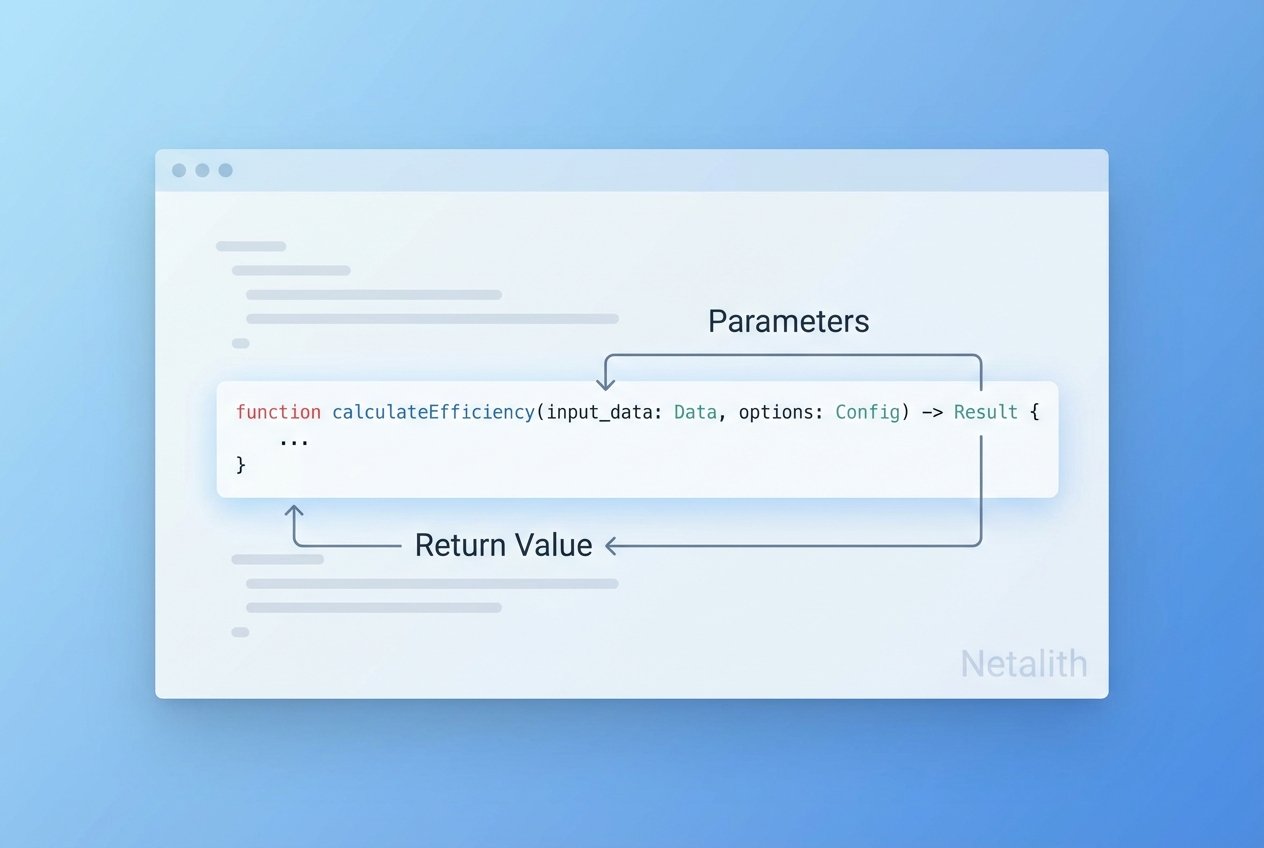
Parameters let you pass values into a function so it behaves dynamically. Parameters are local to the function and act like variables.
// Define a function with one parameter
function greetUser(name) {
  console.log(`Hello, ${name}!`);
}

// Pass an argument when calling the function
greetUser('Sammy');
Here, name is a parameter and 'Sammy' is the argument. You can define multiple parameters separated by commas to accept several inputs.
Returning Values
Use the javascript return statement to produce a value from a function. When return runs, the function stops executing and hands back the result to the caller.
// Return the sum of two numbers
function add(x, y) {
  return x + y;
}

const total = add(9, 7); // total === 16
Returned values can be stored in variables or used directly in expressions. This is how functions become building blocks for larger computations.
Function Expressions
Instead of a declaration, you can create a function expression by assigning a function to a variable. This is a common pattern for callbacks or when you need a function value.
// Named function expression
const sum = function add(x, y) {
  return x + y;
};

// Anonymous function expression
const sumAnon = function(x, y) {
  return x + y;
};

console.log(sum(20, 5));     // 25
console.log(sumAnon(100, 3)); // 103
Function expression javascript forms are not hoisted in the same way as declarations. Using a named function expression can help with stack traces and debugging; anonymous functions are shorter and commonly used inline.
Arrow Functions
ES6 introduced arrow functions, a concise syntax for function expressions. Arrow functions are always anonymous and have a different behavior for this and arguments compared to regular functions.
// Arrow function with block body
const multiply = (x, y) => {
  return x * y;
};

// Concise arrow function with implicit return
const square = x => x * x;

console.log(multiply(30, 4)); // 120
console.log(square(10));      // 100
Use an empty pair of parentheses when there are no parameters. Arrow function javascript syntax is especially handy for short callbacks or array transformations.
Practical Notes
- Difference between function declaration and function expression javascript: declarations are hoisted; expressions are evaluated at runtime.
- Anonymous function in javascript example: commonly used as callbacks (e.g., array.map(function(x) { return x*2; })).
- Named function expression javascript helps with debugging by providing a name in stack traces.
- Keep parameter lists clear: document what each javascript function parameters represent and whether they are optional.
Conclusion
Knowing how to define a function in JavaScript using a javascript function declaration, a function expression, or an arrow function javascript gives you flexibility to write clean, modular code. Use parameters and return values to make functions reusable and predictable, and choose the form that best fits your use case and coding standards.
Quick reference: use function declarations for top-level reusable functions, function expressions for values or callbacks, and arrow functions for concise anonymous behavior.