How To Convert Data Types in Python 3
Clear, practical guide to python type conversion: convert ints, floats, strings, lists, and tuples in Python 3 with examples and common fixes.
Drake Nguyen
Founder · System Architect
Introduction
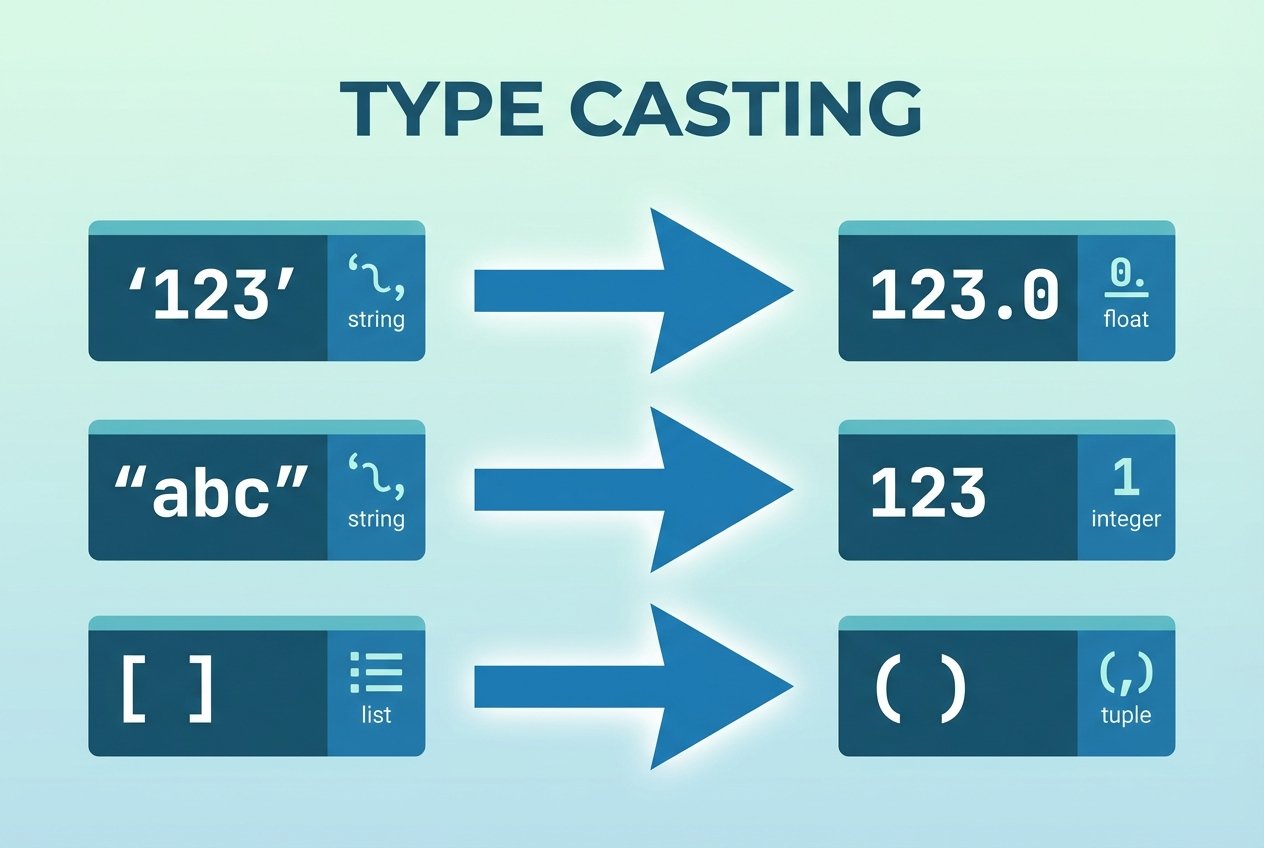
This guide explains python type conversion and common type casting patterns so you can convert data types in Python reliably. You’ll see how to convert numbers, strings, lists, and tuples using built-in functions such as int(), float(), str(), list(), and tuple(). Examples target Python 3 and emphasize practical gotchas and fixes.
Prerequisites
Follow along with Python 3 installed. Open an interactive shell with python3 or run examples in a script. The examples demonstrate how to convert data types in Python 3 and highlight behavior that differs from Python 2 (for example, division results).
Converting Number Types
Python provides simple casting functions to change numeric types. These are common when you need to perform decimal arithmetic or enforce integer semantics.
Convert int to float
Use float() to convert integers to floating-point numbers. This is useful when you need decimal precision or to avoid integer-only behavior.
# python type conversion int to float example
value = 57
print(float(value))  # 57.0
Convert float to int (truncation)
int() removes the fractional part — it truncates toward zero rather than rounding. If you need rounding, use round() first or math.floor/ceil from the math module.
n = 390.8
print(int(n))          # 390 (truncates)
print(int(round(n)))   # 391 (rounded before conversion)
Division and type conversion in Python 3
In Python 3, the division operator / returns a float even when both operands are integers. This behavior affects calculations and downstream type expectations.
a = 5 / 2
print(a)  # 2.5 (float)
Working with Strings
Strings often arrive from user input or files. Converting between strings and numeric types is common when parsing data or preparing text for output.
Convert numbers to strings
Use str() to convert numbers for concatenation or formatting. This is the typical approach for python convert int to string for concatenation.
user = 'Sammy'
lines = 50
print('Congratulations, ' + user + '! You wrote ' + str(lines) + ' lines.')
Convert strings to numbers
Use int() for whole numbers and float() for decimals. Beware of invalid inputs — converting a string with decimals directly to int() raises a ValueError.
# correct conversion
lines_yesterday = '50'
lines_today = '108'
print(int(lines_today) - int(lines_yesterday))  # 58

# converting decimal string
total = '5524.53'
add = '45.30'
print(float(total) + float(add))  # 5569.83
If you try int('54.23') you will get a ValueError: invalid literal for int(). Fix it by converting to float first, then to int if appropriate: int(float('54.23')).
Converting Between Lists and Tuples
Lists are mutable sequences and tuples are immutable. Converting between them is straightforward with list() and tuple(), making it easy to switch between mutable and immutable forms.
Convert list to tuple
Use tuple() to create an immutable copy of a list. This can improve intent clarity and sometimes performance.
items = ['pull request', 'open source', 'repository']
print(tuple(items))  # ('pull request', 'open source', 'repository')
Convert tuple to list
Use list() to obtain a mutable version of a tuple when you need to modify elements.
coords = ('x', 'y', 'z')
print(list(coords))  # ['x', 'y', 'z']
Note: You can convert iterables like strings to lists or tuples; trying to convert non-iterable types (e.g., integer) raises a TypeError.
Common Errors and Tips
- ValueError: invalid literal for int() — occurs when converting a non-integer string (e.g., '54.23') to
int(). Usefloat()first or validate input. - TypeError during concatenation — converting numbers to strings with
str()fixes concatenation errors. - Implicit conversions — Python performs some implicit conversions (e.g., bool in arithmetic), but explicit casting using
int(),float(),str(),list(),tuple()keeps code predictable.
Conclusion
Understanding python casting and python type conversion helps you write safer code and avoid common pitfalls. Use the built-in functions shown here to convert data types in Python 3: int(), float(), str(), list(), and tuple(). When converting, validate input and choose truncation versus rounding intentionally.
Quick reference: python int() vs float() conversion —int()truncates;float()adds decimals. For strings with decimals, parse withfloat()first.