Dealing With Objects in JavaScript With Object.assign, Object.keys and hasOwnProperty
Practical guide to javascript object methods: hasOwnProperty, Object.keys, Object.assign, Object.freeze — with examples, best practices, shallow vs deep copy guidance, and iterate object keys tips.
Drake Nguyen
Founder · System Architect
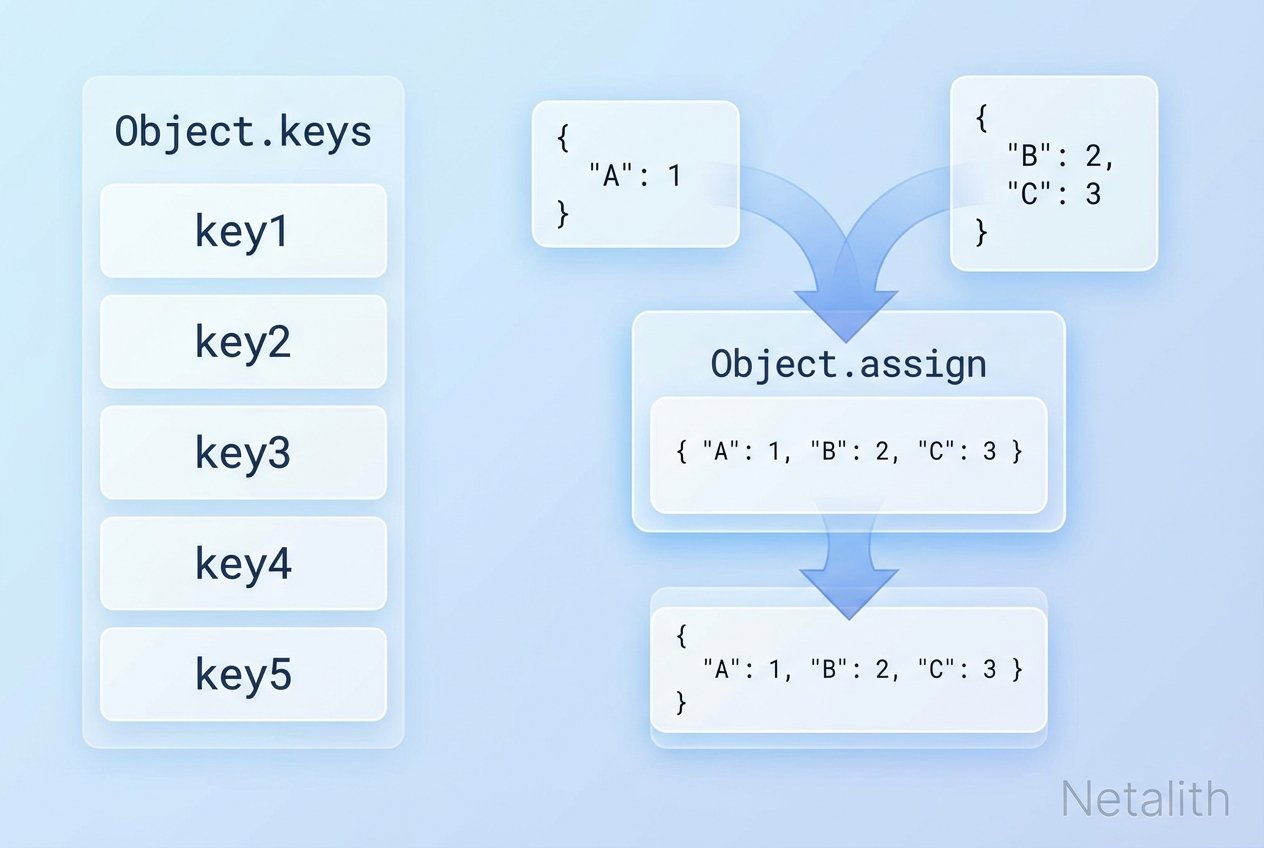
Overview: javascript object methods
This guide covers several essential javascript object methods you’ll use daily: Object.prototype.hasOwnProperty, Object.keys, Object.assign, and Object.freeze. Each section includes concise explanations, examples, and best practices—helpful for managing JavaScript objects, copying object JavaScript patterns, and iterating object keys.
hasOwnProperty (check if property exists)
Use hasOwnProperty to determine whether a property exists directly on an object (not inherited via the prototype chain). This is a reliable alternative to the in operator when you want to exclude prototype properties.
Example: hasOwnProperty vs in operator
// setup
const animal = { cat: '🐱' };

// 'in' checks prototype chain
console.log('toString' in animal);          // true (inherited)

// hasOwnProperty checks only own properties
console.log(animal.hasOwnProperty('cat')); // true
console.log(animal.hasOwnProperty('toString')); // false
Tip: If you need to call hasOwnProperty on objects that might not inherit from Object.prototype, use Object.prototype.hasOwnProperty.call(obj, key).
Object.keys (iterate object keys)
Object.keys returns an array of an object's own enumerable property names. This makes it easy to loop through object keys with a for...of loop or to transform objects into arrays.
Object.keys example and usage
const obj = { clown: '🤡', police: '👮', santa: '🎅' };

// get keys
const keys = Object.keys(obj); // ['clown', 'police', 'santa']

// loop through object keys
for (const k of Object.keys(obj)) {
  console.log(k, '=>', obj[k]);
}
Note: the order of keys in the array follows the ECMAScript specification rules for property order and should not be assumed strictly insertion-ordered for all types of properties.
Object.assign (copy and merge objects)
Object.assign is an ES6 static method used to copy enumerable own properties from one or more source objects into a target object. It’s commonly used to copy an object or merge objects immutably (shallowly).
How to use Object.assign in JavaScript — examples
// shallow copy
const original = { a: 1, b: { nested: 2 } };
const copy = Object.assign({}, original);
console.log(copy.a);            // 1
console.log(copy.b === original.b); // true (shared reference)

// merge with later sources taking precedence
const merged = Object.assign({}, { a: 1 }, { a: 2, c: 3 });
console.log(merged); // { a: 2, c: 3 }

// copy an object in JavaScript using Object.assign
const objCopy = Object.assign({}, original);
Because Object.assign performs a shallow copy, nested objects remain shared between original and copy. Use a deep copy strategy if you need fully independent nested values.
Object.assign shallow copy explained
- Only enumerable own properties are copied.
- Property values that are objects are copied by reference (not cloned).
- Duplicate properties from later sources overwrite earlier ones.
Object.freeze and Object.isFrozen (immutable update basics)
Object.freeze prevents adding, removing, or changing properties on an object (shallowly). Object.isFrozen checks whether an object is frozen.
Examples and deep-freeze note
const settings = { theme: 'dark', nested: { v: 1 } };
Object.freeze(settings);

settings.theme = 'light';           // ignored in non-strict, throws in strict mode
delete settings.theme;              // ignored

console.log(Object.isFrozen(settings)); // true

// nested objects are not frozen by default
settings.nested.v = 2; // allowed (mutation of nested object)
To deep freeze an object you must recursively freeze any child objects. A simple recursive pattern is shown below:
function deepFreeze(obj) {
  Object.freeze(obj);
  for (const key of Object.keys(obj)) {
    const val = obj[key];
    if (val && typeof val === 'object' && !Object.isFrozen(val)) {
      deepFreeze(val);
    }
  }
  return obj;
}
When to use each method — practical tips
- Use
hasOwnProperty(or its safer call variant) to check property existence on the object itself, avoiding prototype properties. - Use
Object.keysto iterate object keys or to convert object structure into arrays for mapping/filtering. - Use
Object.assignfor quick shallow copies and merges—useful for immutable update patterns in state management (e.g., Redux). - Use
Object.freezewhen you want to prevent accidental mutations; combine with a deep-freeze utility if you need full immutability.
Related concepts to explore
- Iterate over object properties:
Object.keys,Object.values, andObject.entries. - Prototype chain vs. own properties: understand enumerable properties and prototype inheritance.
- Shallow copy vs deep copy in JavaScript: choose the right strategy when copying complex objects.
Quick reference
Object.keys(obj)— returns own enumerable property names (array).obj.hasOwnProperty(key)— true if key is an own property.Object.assign(target, ...sources)— shallow copy/merge; sources later overwrite earlier.Object.freeze(obj)— shallowly prevent changes;Object.isFrozen(obj)checks status.
These javascript object methods are foundational when you need to iterate object keys, copy object JavaScript patterns, check property existence, or implement immutable updates. Use them with awareness of shallow vs deep behavior to avoid subtle bugs.