A Page Progress Bar with JavaScript and CSS Variables
Guide to building a performant scroll progress bar with CSS variables and vanilla JavaScript, including markup, styles, cross-browser calculation, accessibility, and requestAnimationFrame optimization.
Drake Nguyen
Founder · System Architect
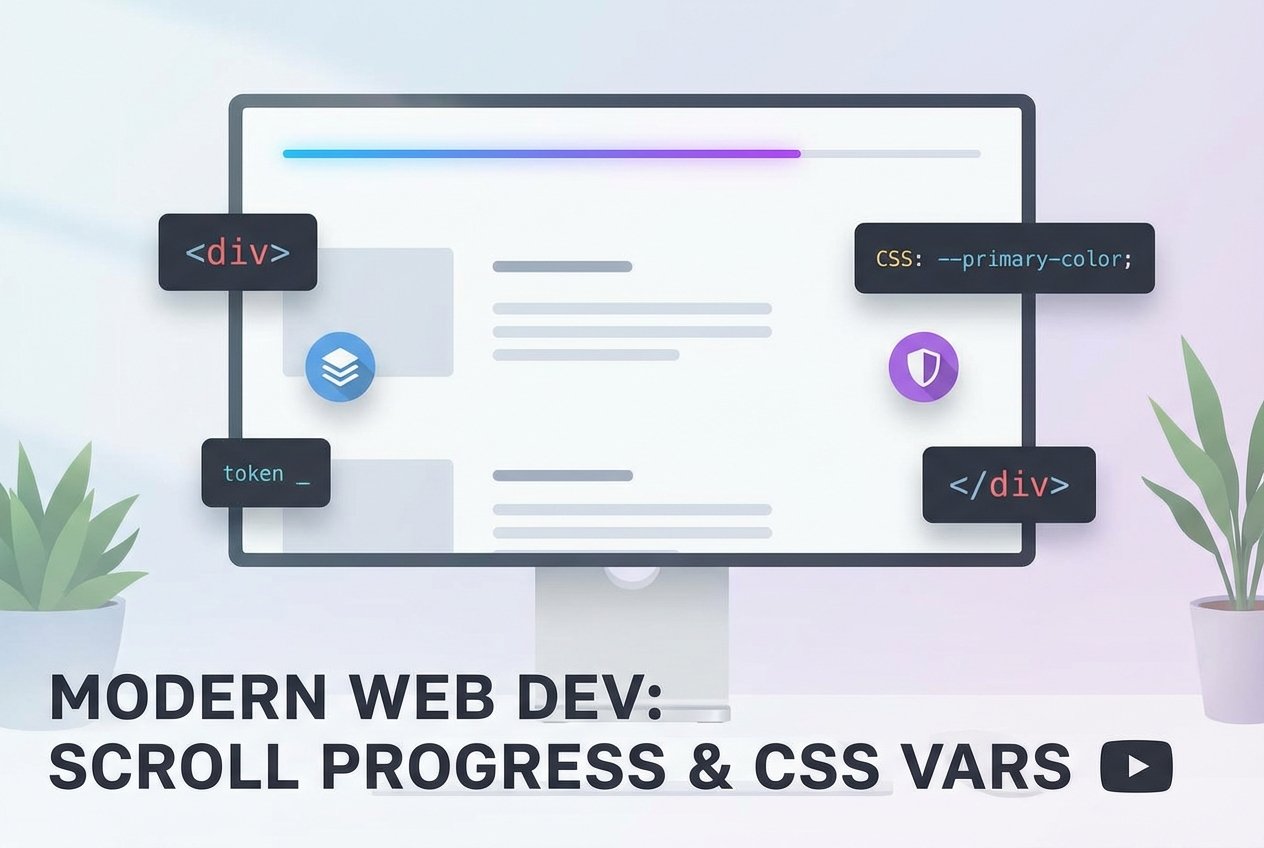
Create a scroll progress bar with CSS variables and vanilla JavaScript
A scroll progress bar (also called a reading progress bar or page progress bar) gives readers immediate feedback on how far they are through an article. Below is a lightweight, accessible implementation using CSS custom properties (css variables) and a small vanilla JavaScript listener that updates a scroll indicator based on scroll percentage.
Markup
Place a simple element directly inside the <body> so it can be positioned fixed at the top of the viewport.
<div class="progress" role="progressbar" aria-valuemin="0" aria-valuemax="100" aria-valuenow="0"></div>CSS (fixed top progress bar)
This CSS uses a linear-gradient and a CSS custom property --scroll to paint the progress. It degrades gracefully where custom properties aren’t supported.
:root {
  /* fallback color or default value can go here if you need one */
}

.progress {
  position: fixed;
  top: 0;
  left: 0;
  width: 100%;
  height: 4px; /* reading progress bar height */
  z-index: 9999;
  background-repeat: no-repeat;
  /* linear-gradient scroll progress bar using a css variable */
  background: linear-gradient(to right, #F9EC31 var(--scroll, 0%), transparent 0%);
  pointer-events: none; /* avoid intercepting clicks */
}

/* Optional: make the bar subtle on small screens */
@media (max-width: 480px) {
  .progress { height: 3px; }
}
JavaScript (scroll percentage calculation and update)
This snippet calculates the document scroll percentage in a cross-browser way and updates the CSS variable. It uses requestAnimationFrame to avoid running expensive layout work on every scroll event and keeps the page smooth.
// cross-browser variables and helpers
var doc = document.documentElement;
var body = document.body;
var st = 'scrollTop';
var sh = 'scrollHeight';
var progress = null;

function getScrollPercent() {
  var scrollTop = doc[st] || body[st] || 0;
  var scrollHeight = (doc[sh] || body[sh] || 0) - doc.clientHeight;
  if (!scrollHeight) return 0;
  return (scrollTop / scrollHeight) * 100;
}

function updateProgress() {
  var pct = getScrollPercent();
  // set CSS variable for the linear-gradient (e.g. "42%")
  progress.style.setProperty('--scroll', pct + '%');
  // update accessible value for screen readers
  progress.setAttribute('aria-valuenow', Math.round(pct));
}

// wait for DOM and then attach efficient scroll listener
window.addEventListener('DOMContentLoaded', function () {
  progress = document.querySelector('.progress');
  if (!progress) return;

  var ticking = false;
  window.addEventListener('scroll', function () {
    if (!ticking) {
      window.requestAnimationFrame(function () {
        updateProgress();
        ticking = false;
      });
      ticking = true;
    }
  }, { passive: true });

  // set initial value in case the page is not at top on load
  updateProgress();
});
Accessibility & best practices
- Give the element
role="progressbar"and updatearia-valuenowso screen readers can announce progress. - Use
pointer-events: noneso the fixed top progress bar doesn't block clicks. - Listen with a passive scroll listener and use
requestAnimationFrameto avoid janky scrolling. - For large articles, a reading progress bar provides context: consider combining it with a small percentage label inside the article for clarity.
Variations and tips
- Reading progress bar for blog posts: only enable the progress indicator on content-heavy pages by checking the article height before inserting the element.
- Pure CSS approaches exist for specific layouts, but they usually rely on scroll-linked-animations (not widely supported) or hacky sticky containers; the CSS variables + JS approach is cross-browser and simple.
- If you need a visual variation, use
linear-gradientcolor stops or animation to create a two-tone page progress bar. - To calculate a reliable scroll percentage across browsers, use
document.documentElementanddocument.bodyfallbacks (see code above).
Note: Internet Explorer and some older browsers don’t support CSS custom properties. The bar will simply fall back to the default background defined in CSS, so the experience degrades gracefully. For maximum compatibility use progressive enhancement and feature detection.
Further reading
- Search terms that help when customizing: scroll progress indicator, scroll percentage javascript, css variables, fixed top progress bar.
- To optimize performance further for very frequent scroll updates, consider debouncing non-critical UI changes or batching updates that don’t affect layout.