Scikit-learn Tutorial: Train, Evaluate, and Save Your First Machine Learning Model in Python
An end-to-end scikit-learn tutorial showing how to preprocess data with pipelines, train and tune classification models, evaluate with ROC AUC, prevent leakage, and save/load a model with joblib for inference.

Long Nguyen
Fullstack Developer · AI Engineer · Researcher
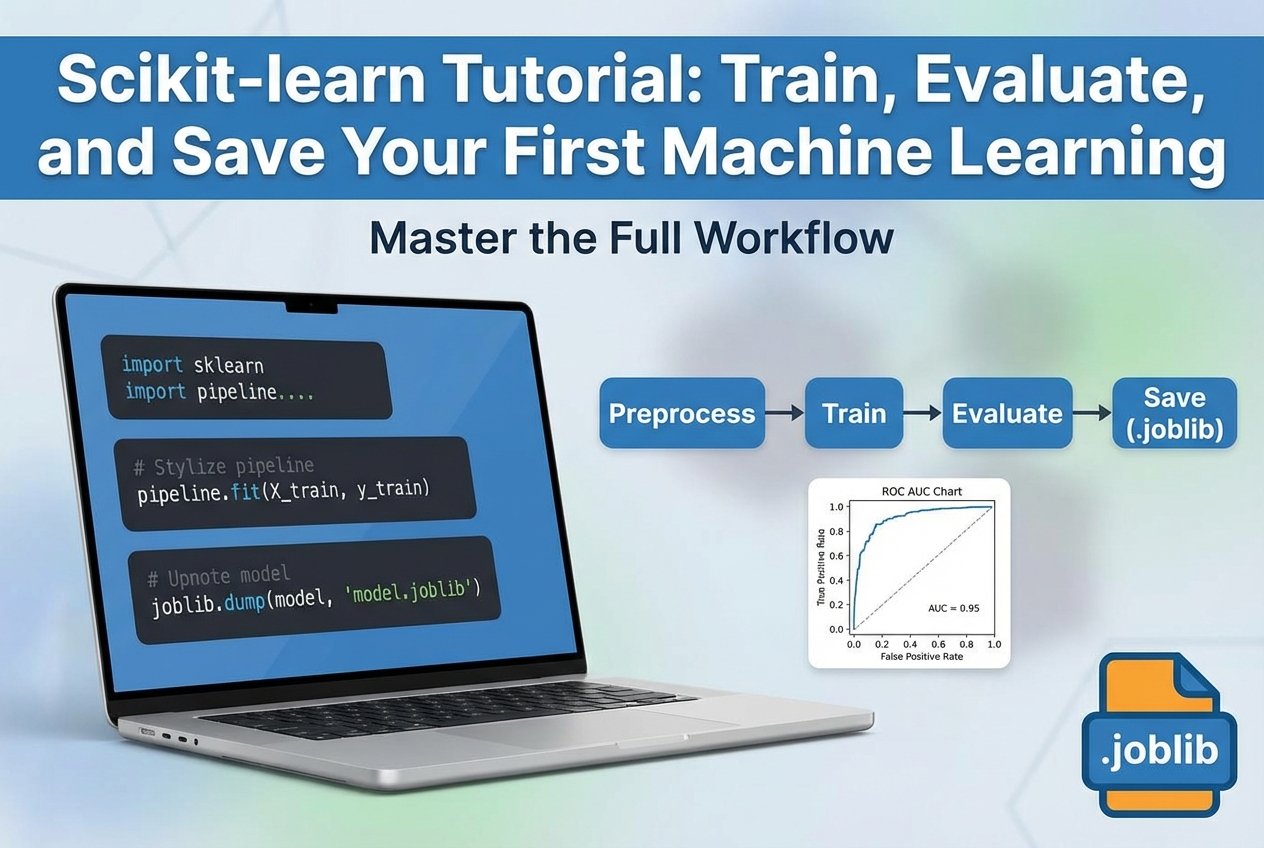
This scikit-learn tutorial walks through a practical, end-to-end sklearn workflow: load a tabular dataset, preprocess with Pipeline and ColumnTransformer, train classification models, evaluate with ROC AUC and a confusion matrix, tune with GridSearchCV, prevent data leakage, and save/load a production-ready pipeline with joblib.
Introduction: what this scikit-learn tutorial covers
If you’re looking for a scikit-learn tutorial for beginners that goes beyond toy examples, this guide shows the full workflow from notebook experimentation to a reusable inference script. You’ll learn train/test split and cross-validation basics, safe preprocessing (fit/transform vs. fit_transform), baseline modeling with LogisticRegression and RandomForestClassifier, hyperparameter tuning, and reliable model persistence.
Prerequisites and environment setup
- Python 3.10+ (recommended)
scikit-learn,pandas,numpyjoblibfor saving and loading models- JupyterLab or VS Code (helpful for a notebook-to-script refactor)
pip install scikit-learn pandas numpy joblib jupyterlab
This setup aligns with common searches like “python scikit learn” and “python machine learning tutorial” and is ideal for running the examples in a notebook or as scripts.
Dataset and problem statement (classification step by step
To keep this scikit learn beginner guide practical, assume a CSV dataset with mixed feature types:
- Numeric columns (e.g., age, income)
- Categorical columns (e.g., city, occupation)
- Binary target (0/1)
Goal: predict the probability that a row belongs to class 1. Throughout this guide, we’ll highlight data leakage prevention and the key distinction between fit/transform vs fit_transform.
Train/test split and cross-validation basics
This section serves as a “scikit-learn train test split and cross validation tutorial” in miniature: keep a final holdout test set, and use cross-validation for model selection and tuning.
from sklearn.model_selection import train_test_split

X_train, X_test, y_train, y_test = train_test_split(
    X, y, test_size=0.2, stratify=y, random_state=42
)
- Use
stratify=ywhen classes are imbalanced. - Do not tune hyperparameters on the test set.
- Use cross-validation (e.g.,
StratifiedKFold) insideGridSearchCV.
Preprocessing with ColumnTransformer and Pipeline (leakage-safe
If you want to know how to use scikit-learn pipelines and preprocessing correctly, the rule is simple: put all preprocessing inside the pipeline so it’s fit only on training folds during cross-validation.
from sklearn.pipeline import Pipeline
from sklearn.compose import ColumnTransformer
from sklearn.preprocessing import StandardScaler, OneHotEncoder
from sklearn.linear_model import LogisticRegression

numeric_features = ['age', 'income']
cat_features = ['city', 'occupation']

numeric_transformer = Pipeline(steps=[
    ('scaler', StandardScaler())
])

cat_transformer = Pipeline(steps=[
    ('onehot', OneHotEncoder(handle_unknown='ignore'))
])

preprocessor = ColumnTransformer(transformers=[
    ('num', numeric_transformer, numeric_features),
    ('cat', cat_transformer, cat_features)
])

pipe_lr = Pipeline(steps=[
    ('preprocessor', preprocessor),
    ('clf', LogisticRegression(max_iter=1000))
])
This pattern makes your sklearn workflow reproducible and reduces subtle training/serving mismatches.
Build baseline models (LogisticRegression and RandomForestClassifier
Baseline models give you a quick performance reference before tuning. In machine learning with scikit learn, two common choices are linear models and tree ensembles.
from sklearn.ensemble import RandomForestClassifier

pipe_rf = Pipeline(steps=[
    ('preprocessor', preprocessor),
    ('clf', RandomForestClassifier(n_estimators=200, random_state=42))
])

pipe_lr.fit(X_train, y_train)
pipe_rf.fit(X_train, y_train)
Pick one model family to tune based on cross-validated performance and operational constraints (speed, interpretability).
Hyperparameter tuning with GridSearchCV
GridSearchCV performs cross-validated search over hyperparameters and works seamlessly with pipelines. Parameter names are prefixed by the step name (e.g., clf__C).
from sklearn.model_selection import GridSearchCV

param_grid = {
    'clf__C': [0.1, 1.0, 10.0]
}

grid = GridSearchCV(pipe_lr, param_grid, cv=5, scoring='roc_auc')
grid.fit(X_train, y_train)

print(grid.best_params_)
print('CV ROC AUC:', grid.best_score_)
This is the core of hyperparameter tuning basics: tune on training folds, then evaluate once on the holdout test set.
Model evaluation: ROC AUC, confusion matrix, precision/recall
A strong scikit-learn model evaluation metrics tutorial includes threshold-free and threshold-based views. For binary classification, start with:
- ROC AUC (ranking quality)
- Confusion matrix (error types at a chosen threshold)
- Precision/recall (useful when classes are imbalanced)
from sklearn.metrics import roc_auc_score, confusion_matrix, classification_report

probs = grid.predict_proba(X_test)[:, 1]
print('Test ROC AUC:', roc_auc_score(y_test, probs))

preds = grid.predict(X_test)
print(confusion_matrix(y_test, preds))
print(classification_report(y_test, preds))
Preventing data leakage and best practices
- Keep scaling/encoding/feature engineering inside
PipelineorColumnTransformer. - Never “peek” at the test set during model selection.
- Be explicit about fit/transform vs fit_transform: fit on training, transform on both (handled automatically by pipelines).
- Track datasets, code, and artifacts (version control) to reproduce results.
Save and load a scikit-learn model with joblib (model persistence
For reliable deployment, persist the entire pipeline (preprocessing + estimator). This “save and load scikit-learn model joblib” approach prevents inference-time preprocessing drift.
import joblib

# Save the best pipeline from GridSearchCV
joblib.dump(grid.best_estimator_, 'netalith_model.joblib')

# Load for inference
model = joblib.load('netalith_model.joblib')
probs = model.predict_proba(new_X)[:, 1]
From notebook to script: create an inference script
To move toward MLOps and “mlops python deployment” workflows, refactor the notebook into a small script that loads the model and runs predictions. Keep I/O and preprocessing consistent by using the saved pipeline.
# inference.py
import joblib
import pandas as pd

MODEL_PATH = 'netalith_model.joblib'

def predict(input_csv: str):
    model = joblib.load(MODEL_PATH)
    X_new = pd.read_csv(input_csv)
    probs = model.predict_proba(X_new)[:, 1]
    return probs

if __name__ == '__main__':
    preds = predict('new_data.csv')
    print(preds[:10])
Next steps and deployment pointers (MLOps basics
- Add input validation and feature checks (schema drift detection).
- Package the inference script as a CLI or lightweight API.
- Log metrics and model version identifiers for traceability.
- For larger projects, consider a simple training pipeline + registry pattern.
Conclusion
This scikit-learn tutorial demonstrated an end-to-end sklearn workflow: split your data correctly, preprocess with Pipeline/ColumnTransformer, train and tune classifiers with cross-validation, evaluate with ROC AUC and precision/recall, prevent leakage, and use joblib for model persistence so you can run consistent inference later.
FAQ
Why use a Pipeline instead of manual preprocessing?
A pipeline reduces data leakage risk, keeps fit/transform logic consistent, and makes it easier to save and load the full workflow.
What’s the difference between fit_transform and transform?
fit_transform learns parameters (fit) and applies them (transform) in one step. Use it only on training data; use transform for validation/test/new data—pipelines handle this safely during cross-validation and inference.
Should I optimize for ROC AUC or accuracy?
Use ROC AUC when ranking matters or classes are imbalanced; use accuracy when costs are symmetric and classes are balanced. Always sanity-check with a confusion matrix and precision/recall. In summary, a strong scikit-learn tutorial strategy should stay useful long after publication.